
One project file
Create or open a .showbiz file containing the project and its referenced images and videos. Move or share the complete project as one package.
Desktop app
Showbiz is a desktop app for making videos with AI, one shot at a time. Describe a scene, generate images and video clips, then export them to your video editor.
Linux macOS Windows MIT license
Project bible
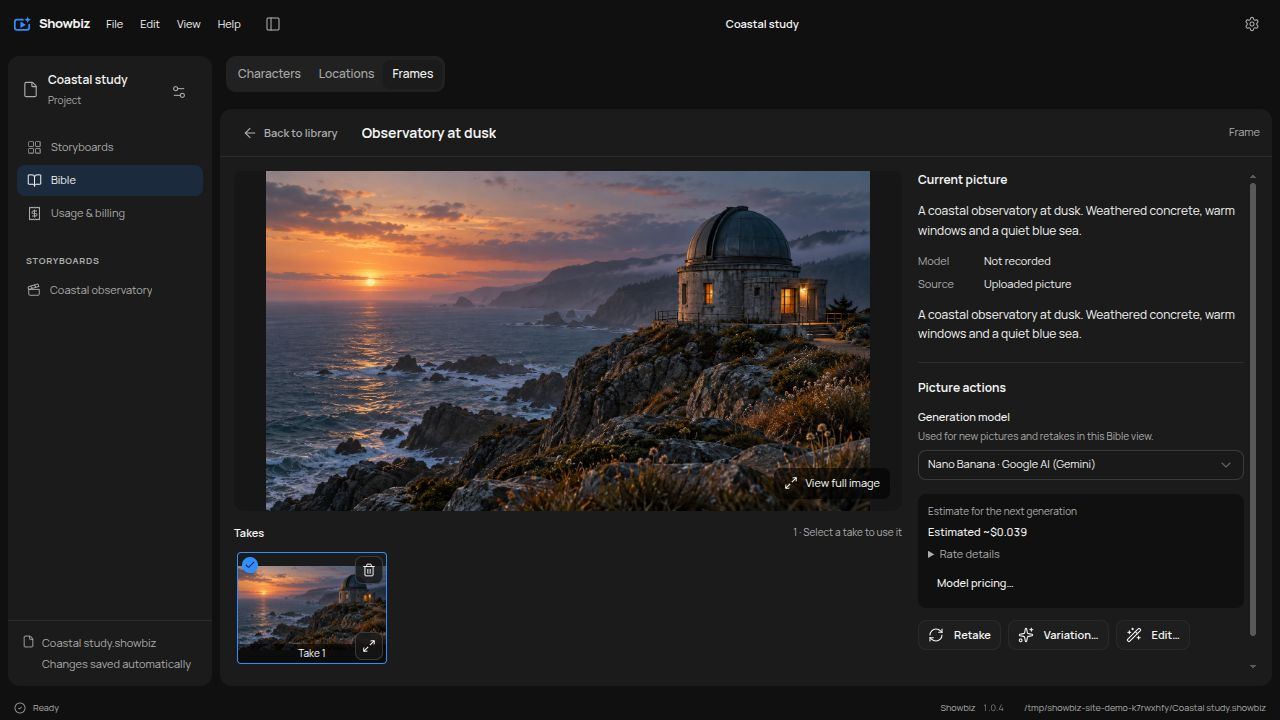
Your project bible is the reference library for a video. Save character and location pictures, then use them to create consistent frames for your shots.
Create or open a .showbiz file containing the project and its referenced images and videos. Move or share the complete project as one package.
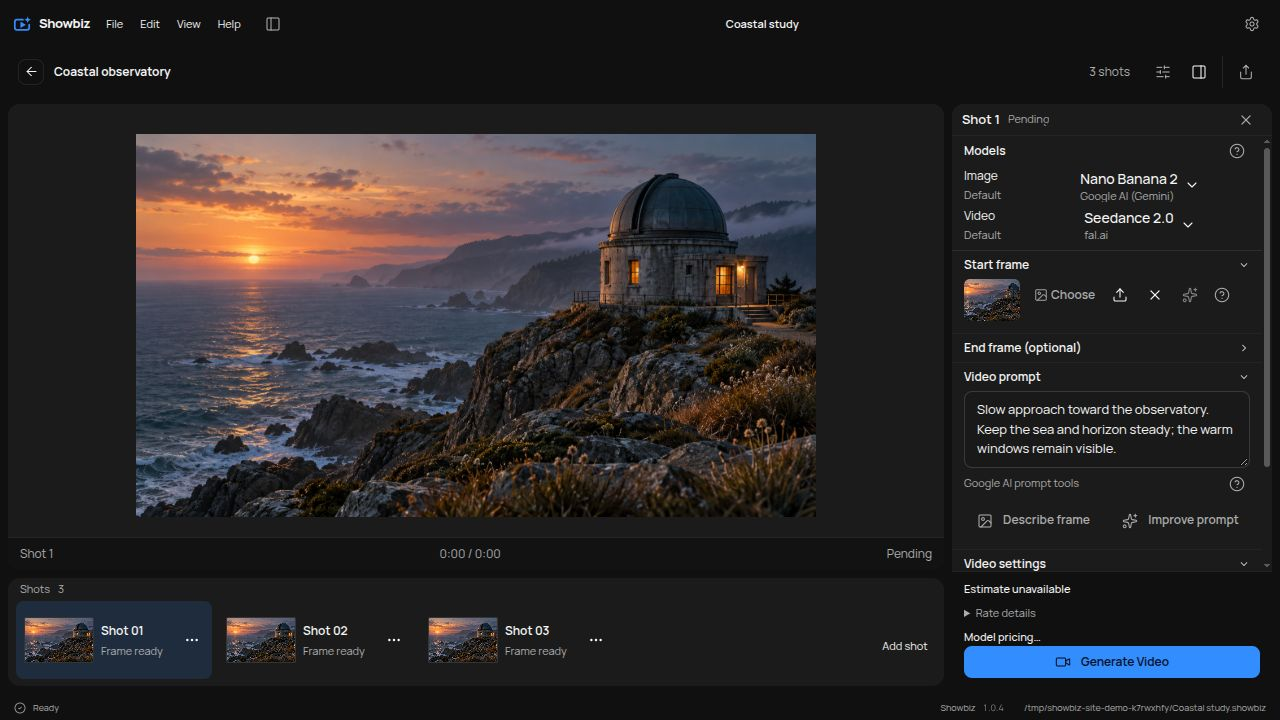
Plan a video as a sequence of shots. Give each shot a prompt, choose its frames and model, and generate a clip. Set storyboard defaults or override them for individual shots.
Export your storyboard's images and video clips as a ZIP for your video editor. Use .sbz for Forgecut to import the media into its library without placing it on the timeline.
Generation and automation
Use your own provider credentials, or connect a compatible local image or video server. Available controls depend on the model.
See available cost estimates before generation and track usage in the project. Provider-reported charges appear where supported. Estimates are labelled, and missing final charges remain unknown.
Agents can attach to a running Showbiz instance to inspect and update its open project through MCP. The desktop app and agents work on the same project.
Latest published release
Screenshots show version 1.0.4. Downloads follow the latest published release.
.showbiz file you save. API keys are separate from project files and are currently stored as plaintext in the device's local settings database.